
Use email notifications without losing ticket history
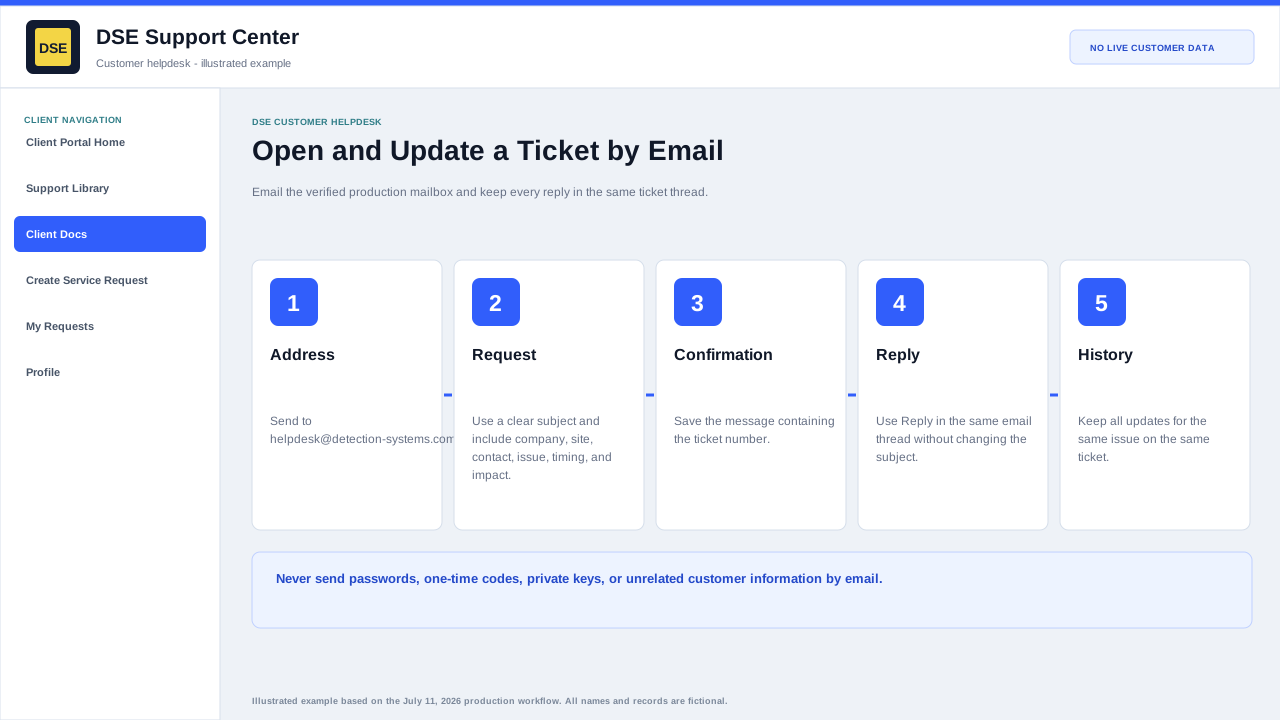
Summary: Ticket email is a notification and conversation path. Keep the DSE ticket number in the subject and reply within the same thread so updates remain attached to the correct request.
AudienceDSE customers and authorized contacts
Procedure3 guided sections
Checklist13 specific actions
ReviewedJuly 16, 2026
Visual walkthrough4 visual references for this procedure
01Recognize a ticket message
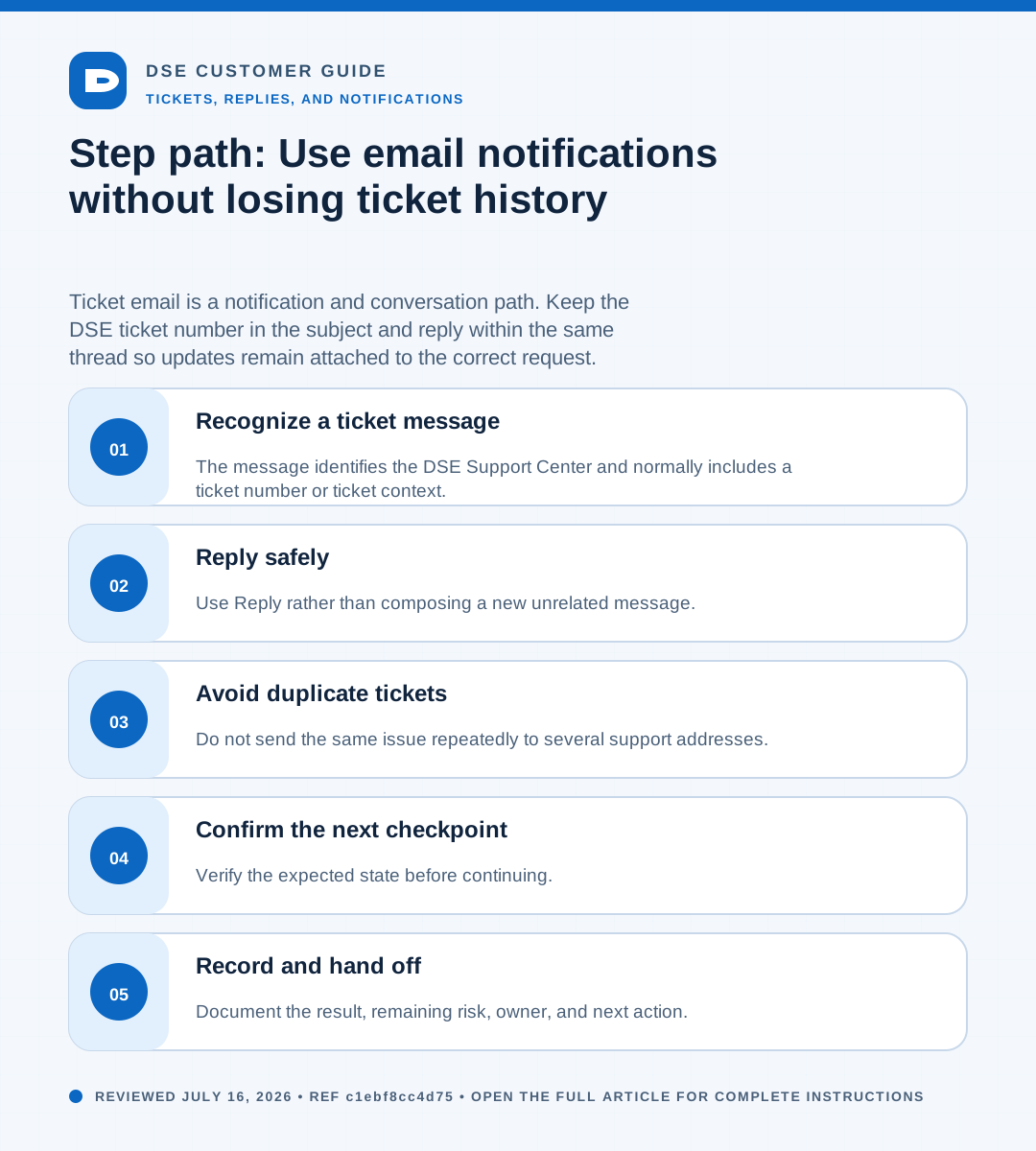
- The message identifies the DSE Support Center and normally includes a ticket number or ticket context.
- Confirmation messages acknowledge ticket creation; later messages may contain technician replies, status notices, or access links.
- Check spam and quarantine when an expected notice is missing.
- Verify the sender and destination before opening a link or attachment.
02Reply safely
- Use Reply rather than composing a new unrelated message.
- Keep the ticket identifier and existing subject intact.
- Remove unrelated recipients and old sensitive content before sending.
- Answer the technician questions and describe any new impact or test result.
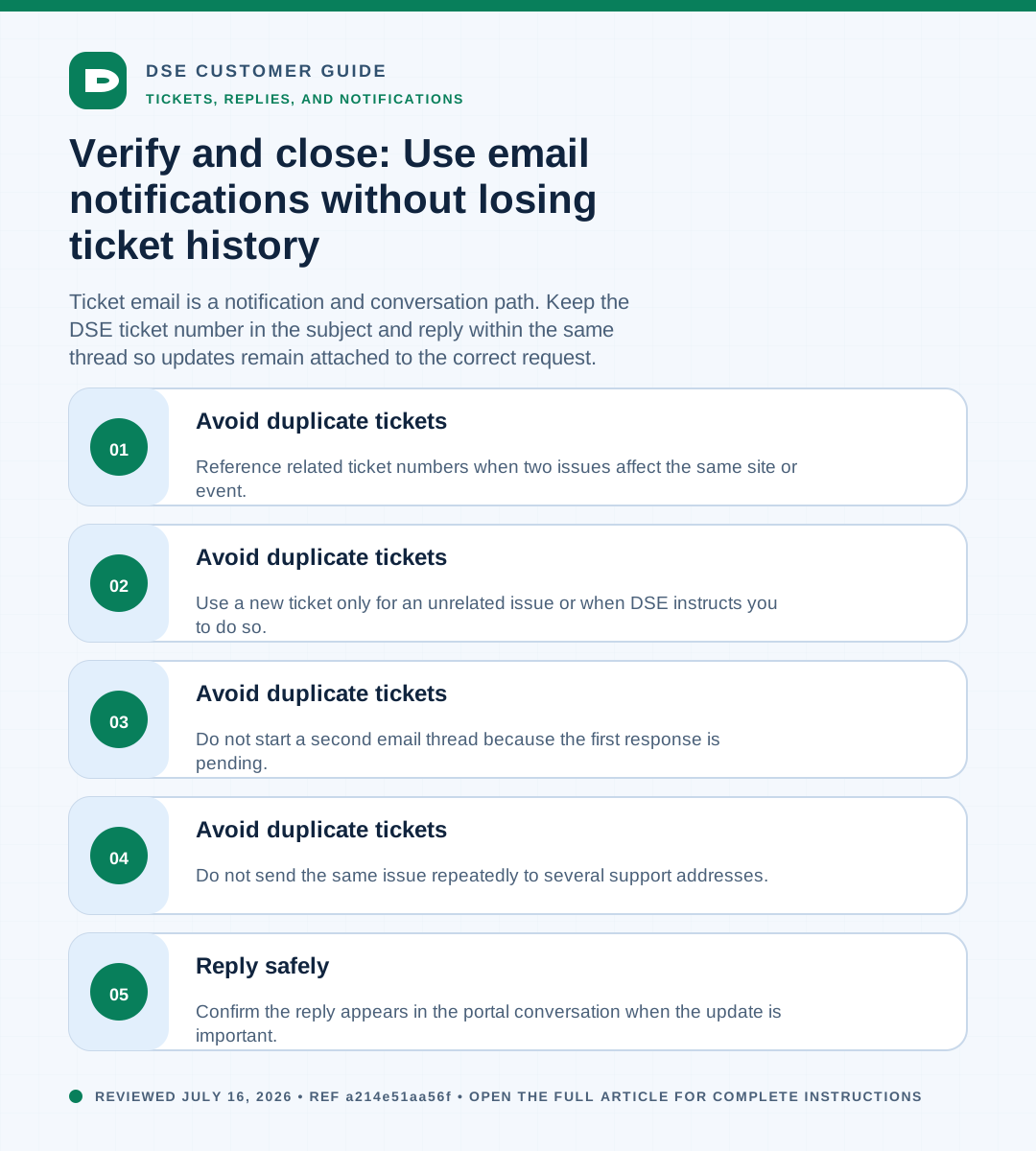
- Confirm the reply appears in the portal conversation when the update is important.
03Avoid duplicate tickets
- Do not send the same issue repeatedly to several support addresses.
- Do not start a second email thread because the first response is pending.
- Use a new ticket only for an unrelated issue or when DSE instructs you to do so.
- Reference related ticket numbers when two issues affect the same site or event.
Need a person?
Contact DSE Support →
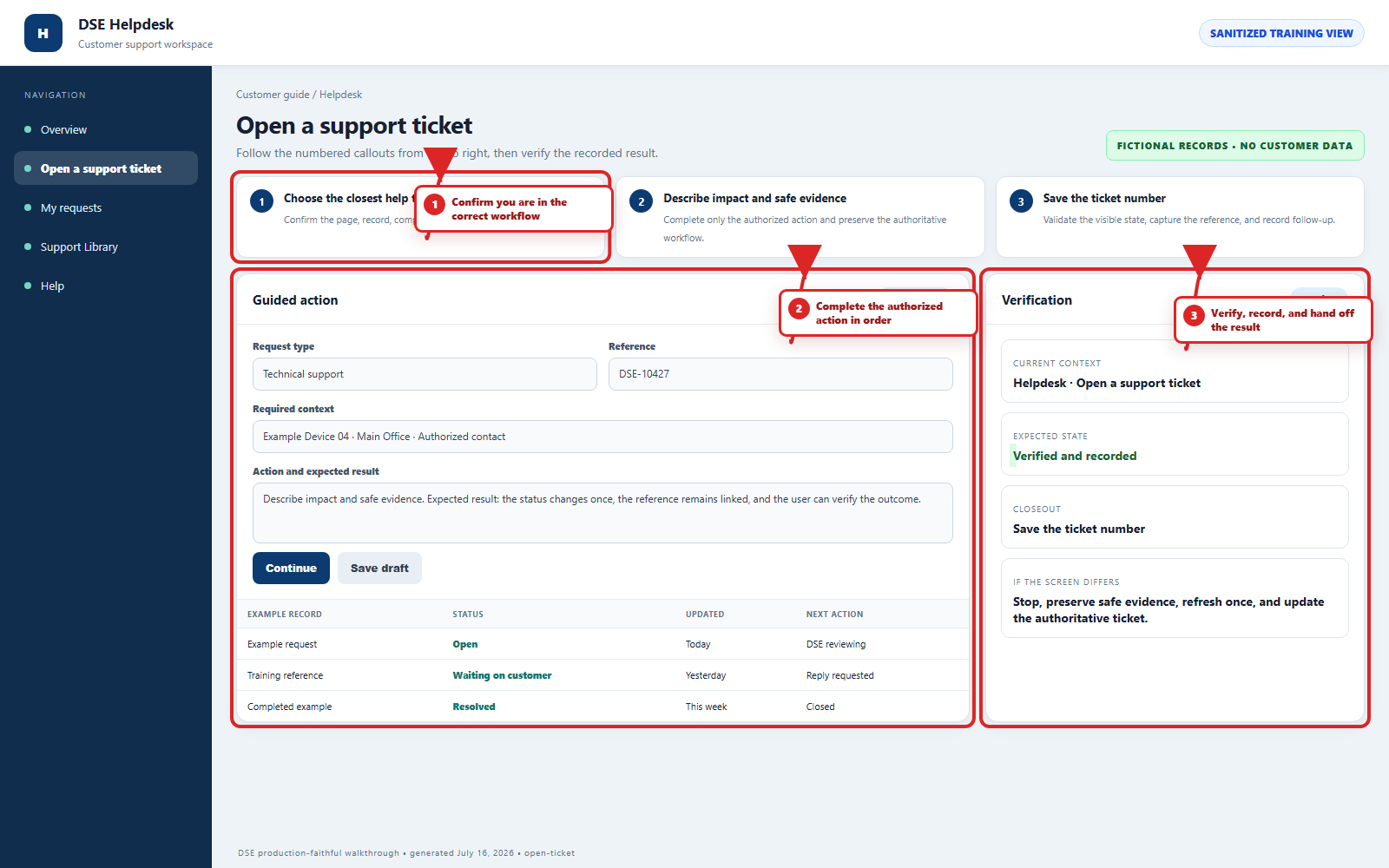
Open a service request with the details you have.
Include the site, affected device or user, exact error, when it started, urgency, and screenshots when available.