
Attach screenshots, documents, and supporting details
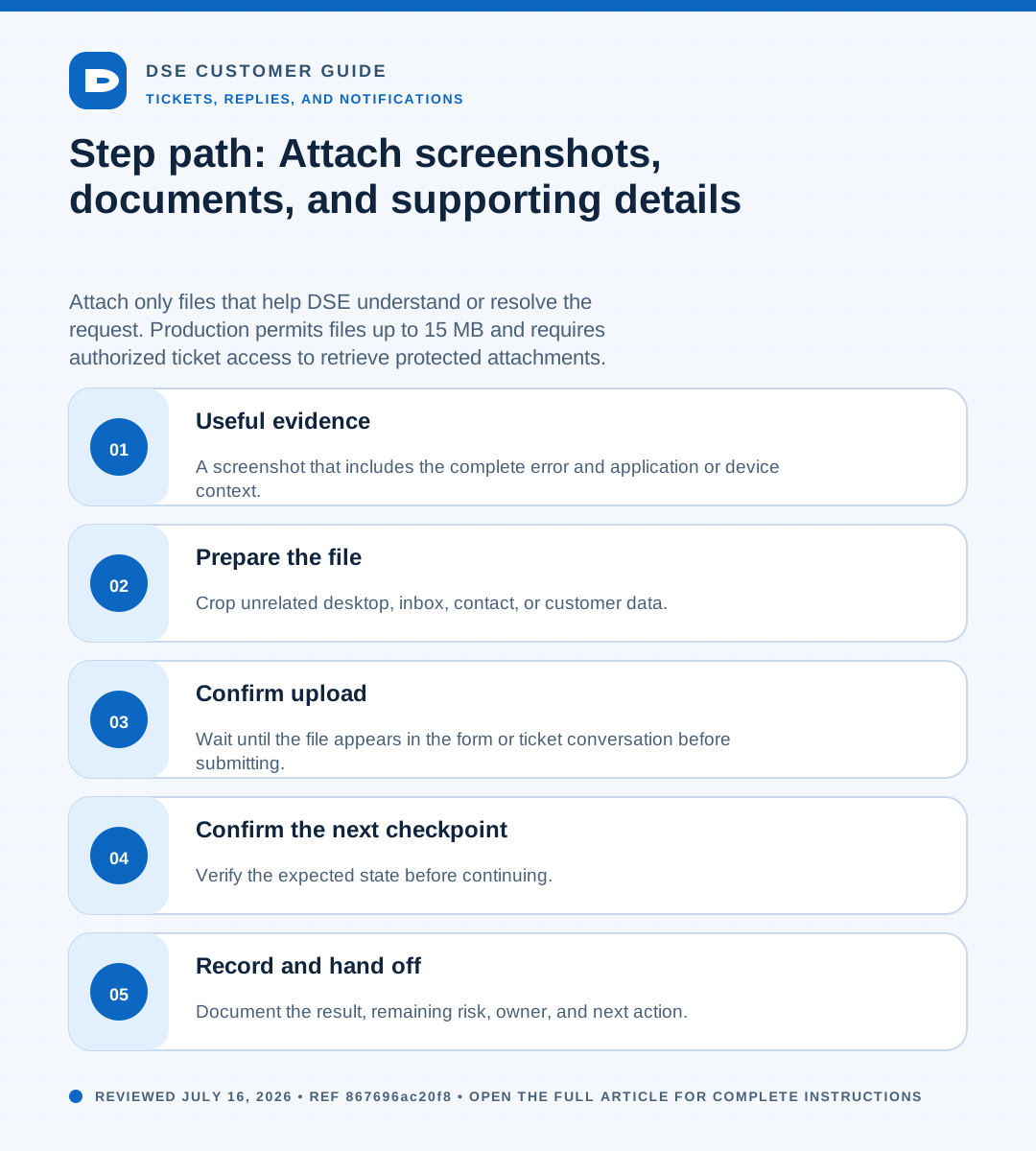
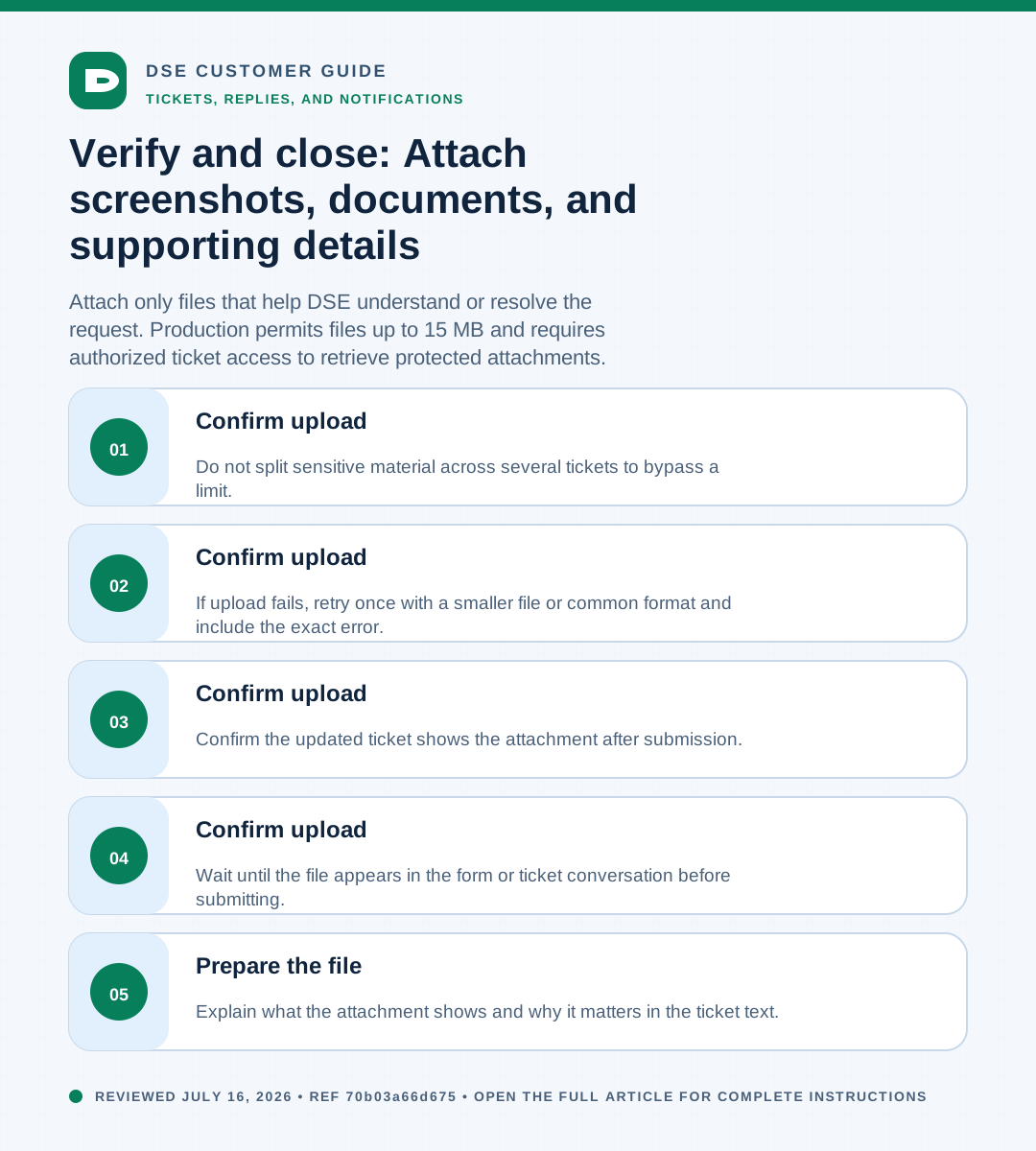
Summary: Attach only files that help DSE understand or resolve the request. Production permits files up to 15 MB and requires authorized ticket access to retrieve protected attachments.
AudienceDSE customers and authorized contacts
Procedure3 guided sections
Checklist13 specific actions
ReviewedJuly 16, 2026
Visual walkthrough4 visual references for this procedure
01Useful evidence
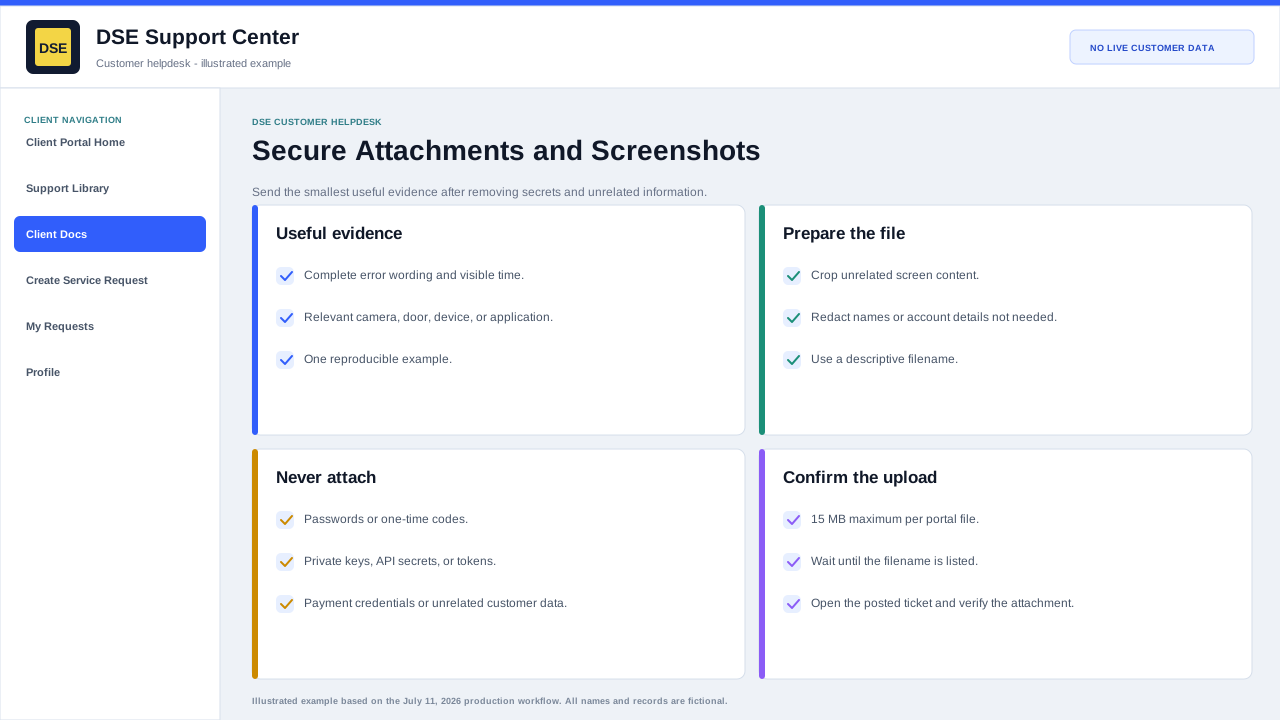
- A screenshot that includes the complete error and application or device context.
- A clear photo of the affected camera, reader, panel, workstation, cabling, indicator light, or label.
- A short document with approved scope, quote, invoice, purchase reference, or scheduling detail.
- A small exported log or text file that covers the relevant time window.
- Example event timestamps for video, access, alarm, or network investigations.
02Prepare the file
- Crop unrelated desktop, inbox, contact, or customer data.
- Remove passwords, private keys, one-time codes, payment information, and unnecessary personal data.
- Use a descriptive file name and keep each file at or below 15 MB.
- Explain what the attachment shows and why it matters in the ticket text.
03Confirm upload
- Wait until the file appears in the form or ticket conversation before submitting.
- Confirm the updated ticket shows the attachment after submission.
- If upload fails, retry once with a smaller file or common format and include the exact error.
- Do not split sensitive material across several tickets to bypass a limit.
Need a person?
Contact DSE Support →
Open a service request with the details you have.
Include the site, affected device or user, exact error, when it started, urgency, and screenshots when available.