

Ticket conversation
Reply to an Existing Ticket
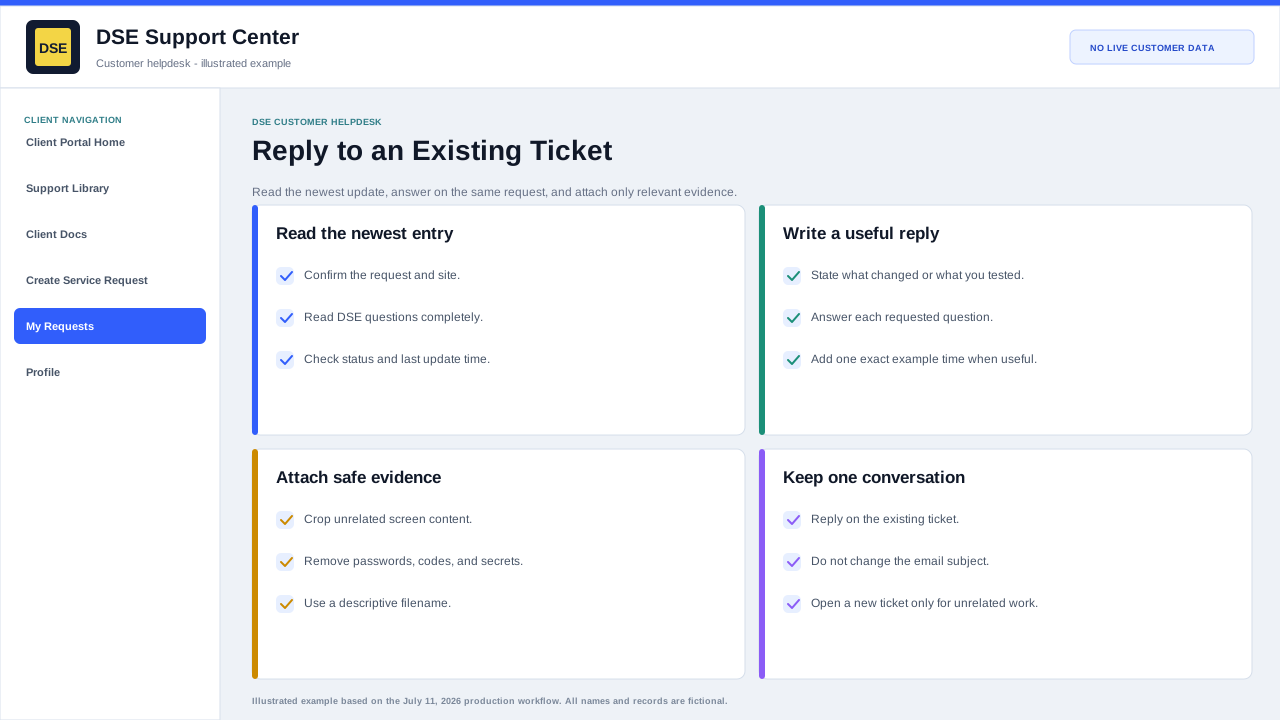
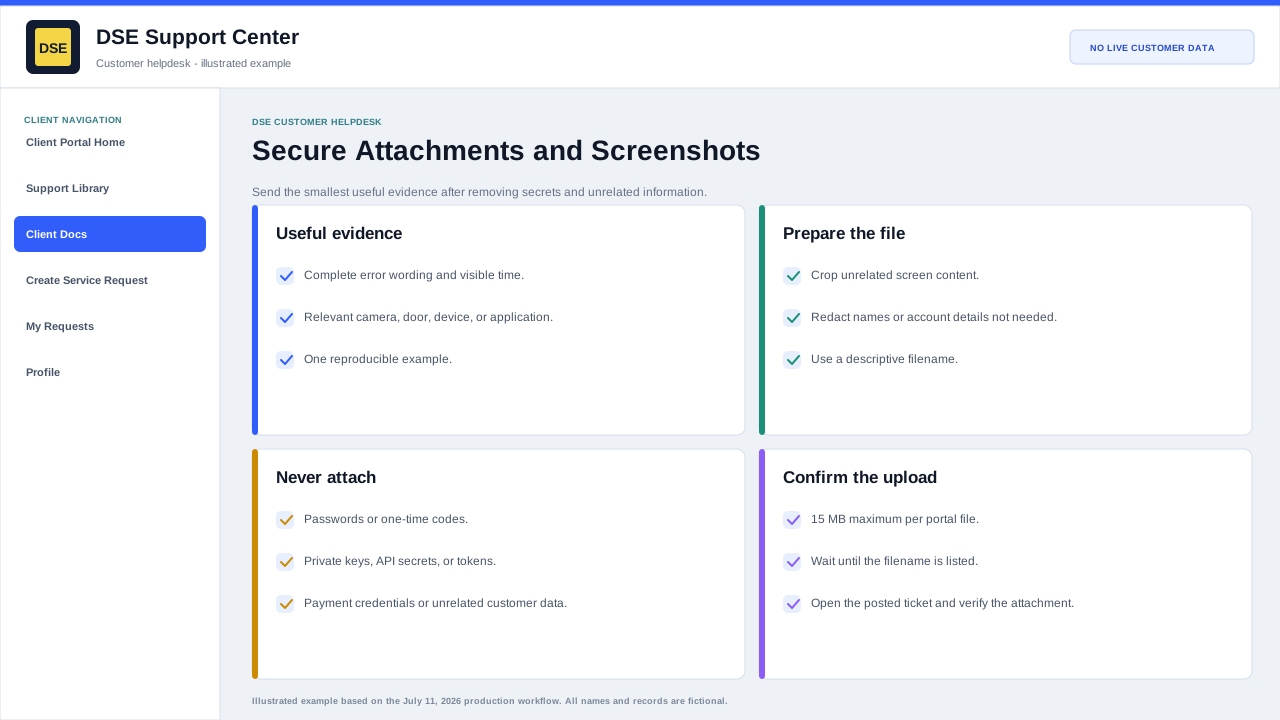
Use the ticket detail page to read DSE replies, answer questions, and add screenshots or attachments.
Production address
https://helpdesk.dsesecurity.com/
Confirm HTTPS and the exact domain before entering account or ticket information.
Visual walkthrough
Open any visual for a full-size reference
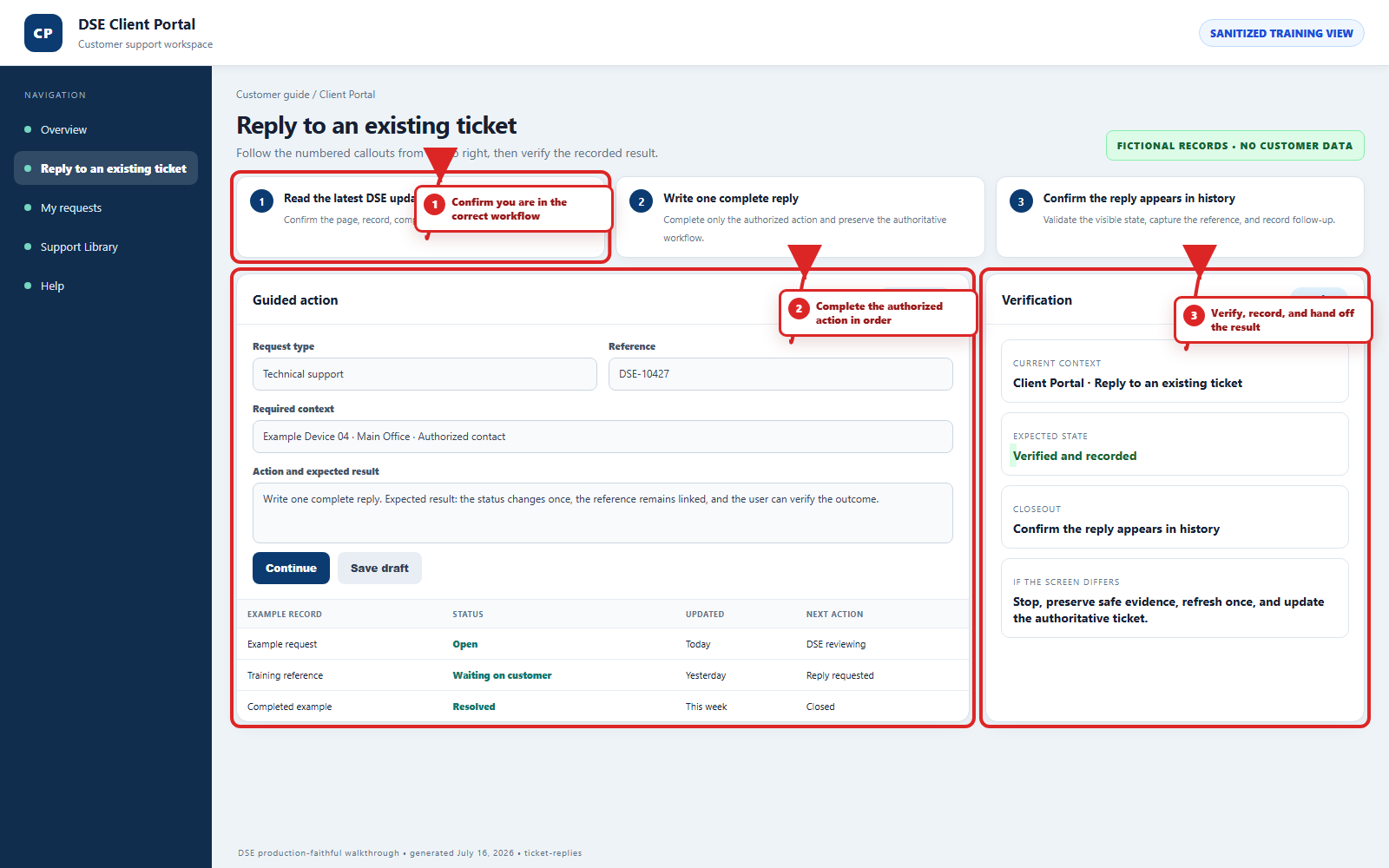
The annotated screenshot uses numbered red boxes and arrows. Read callouts 1, 2, and 3 in order, then return to the written steps below for the complete procedure.
 Open full size
 Open full size
 Open full size
1
Workflow section 1 of 4
Post a reliable update
-
Read the newest DSE entry and answer each question in the order asked.
-
State what changed, what was tested, the current result, and one exact example time when useful.
-
Confirm every selected attachment belongs to this customer, site, and ticket.
-
Post once, wait for the updated conversation, and verify the reply appears before closing the browser.
2
Workflow section 2 of 4
Best practices for replies
-
Reply on the existing ticket when the update is related to the same issue.
-
Include clear notes about what changed or what you tested.
-
Attach screenshots, device photos, logs, or timestamps when helpful.
-
Avoid opening a second ticket for the same issue unless DSE asks you to.
3
Workflow section 3 of 4
When DSE is waiting on you
-
Review the latest DSE staff reply carefully.
-
Answer any questions requested by the technician.
-
Provide scheduling availability if an onsite or remote session is needed.
4
Workflow section 4 of 4
Finish and verify the customer action
-
Wait for the confirmation page, updated conversation, email, or account message before repeating the action.
-
Confirm the customer, company, site, DSE-###### ticket, and visible status are the ones you intended.
-
Save the confirmation or reply on the same ticket when more information is needed.
-
Contact DSE immediately if account or ticket visibility includes unrelated customer information.
Final verification
Before you leave this guide
- Confirm context. Recheck the DSE domain, signed-in account, company or site, ticket number, device, and request type shown on screen.
- Confirm the result. Perform one harmless verification and make sure the visible status matches what you expected.
- Keep the reference. Save the DSE-###### ticket number, confirmation, or other safe reference needed to continue the same conversation.
- Stop on a mismatch. Do not repeat a high-impact action. Preserve a safe screenshot, note the time and exact error, refresh once, and update or open the correct DSE ticket.
Content owner: DSE Service Operations. Production reviewed July 16, 2026. Examples and visuals are customer-safe and use fictional data.