
Supported request types and what to include
Summary: Use the closest help topic and include the system-specific facts below. DSE can correct routing during triage when the request details are complete.
AudienceDSE customers and authorized contacts
Procedure3 guided sections
Checklist8 specific actions
ReviewedJuly 16, 2026
Visual walkthrough4 visual references for this procedure
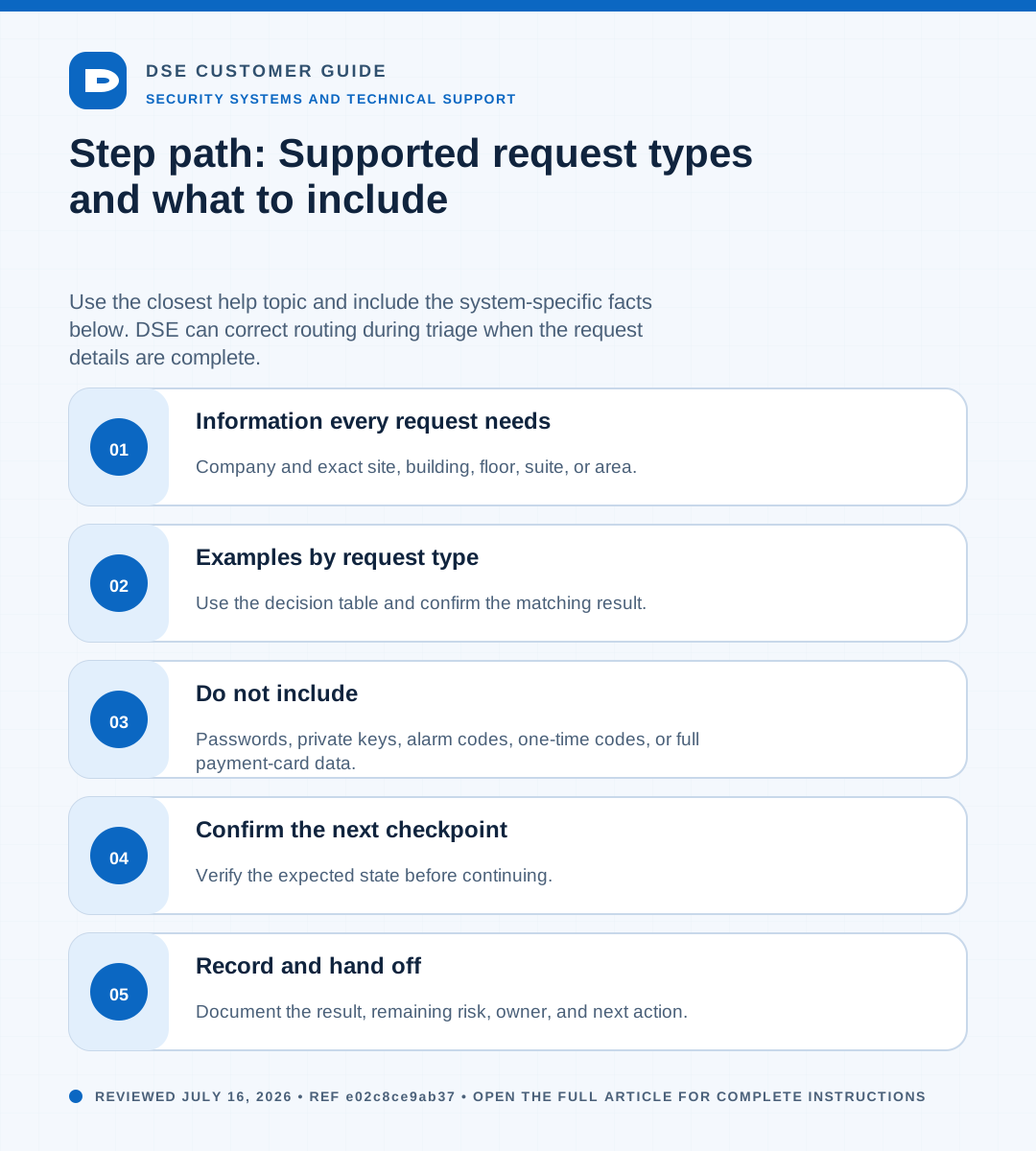
01Information every request needs
- Company and exact site, building, floor, suite, or area.
- Affected user, device, door, camera, panel, application, or service.
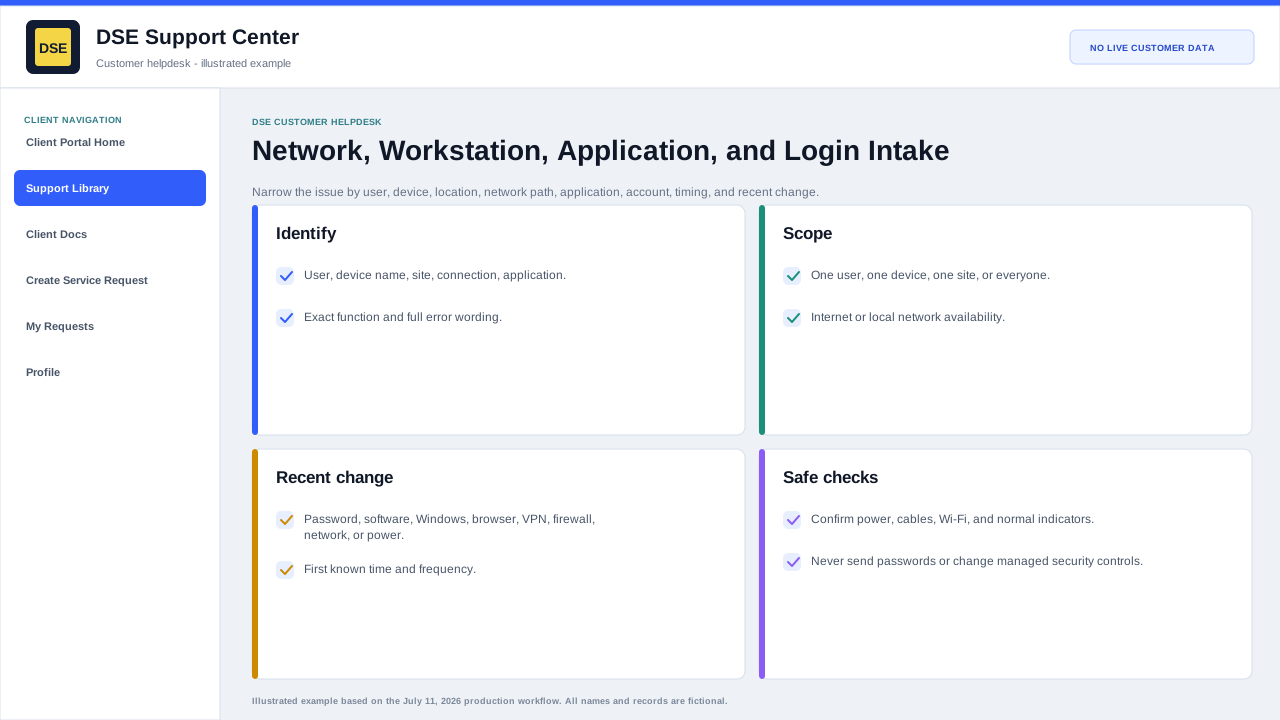
- What should happen, what actually happens, and when the issue began.
- Scope and business impact, including any safe workaround.
- Best callback contact, access window, and supporting evidence.
02Examples by request type
| Request | Useful details |
|---|---|
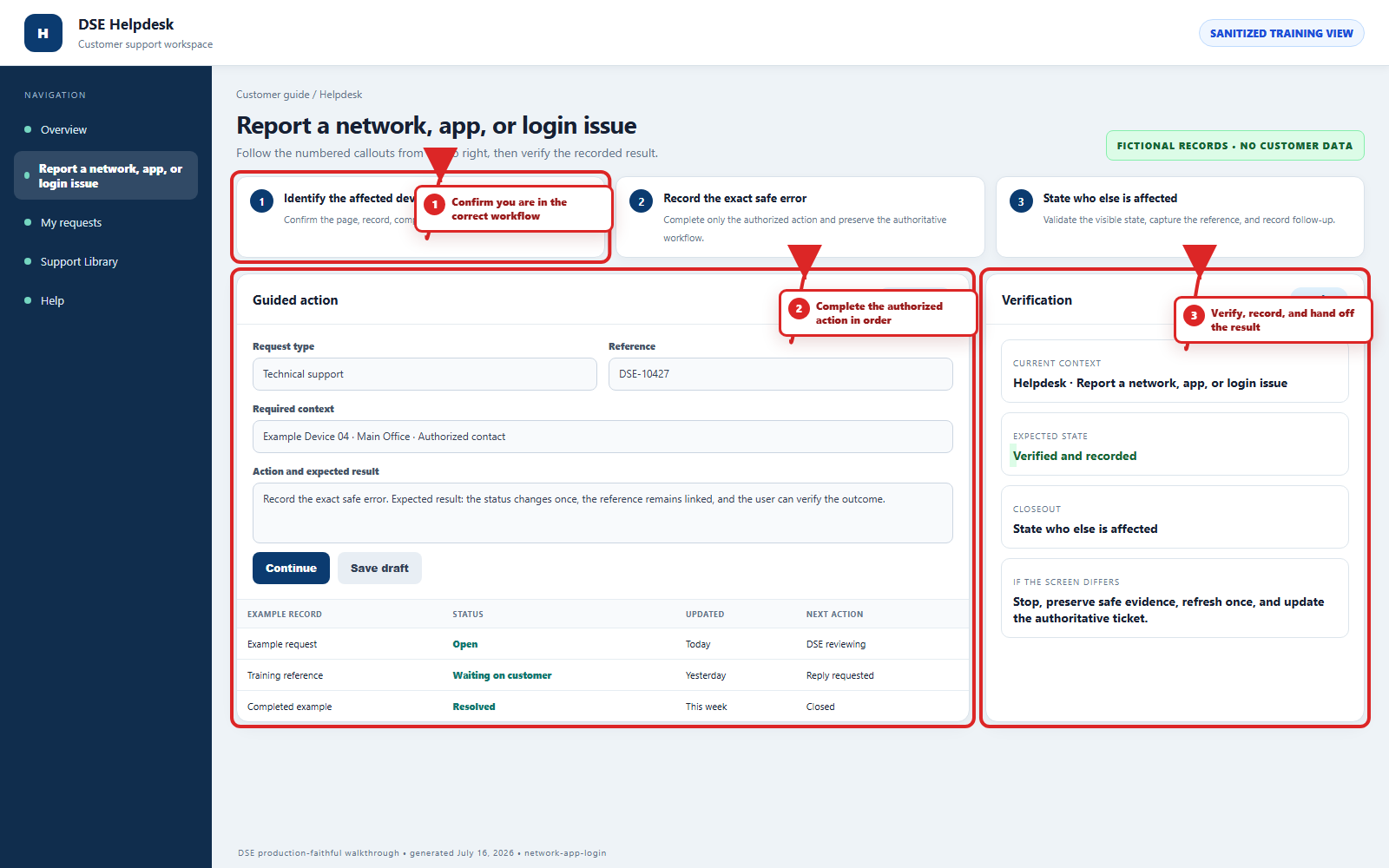
| Application or login | Application name, username or email, exact error, device, and last successful sign-in. |
| Network or workstation | Hostname, user, wired or wireless, IP or connection state, affected scope, and recent change. |
| Video or camera | Camera name, location, viewing client, live or recorded symptom, and example event time. |
| Access control | Door or reader name, credential holder, event time, expected access, actual result, and whether the door is secure. |
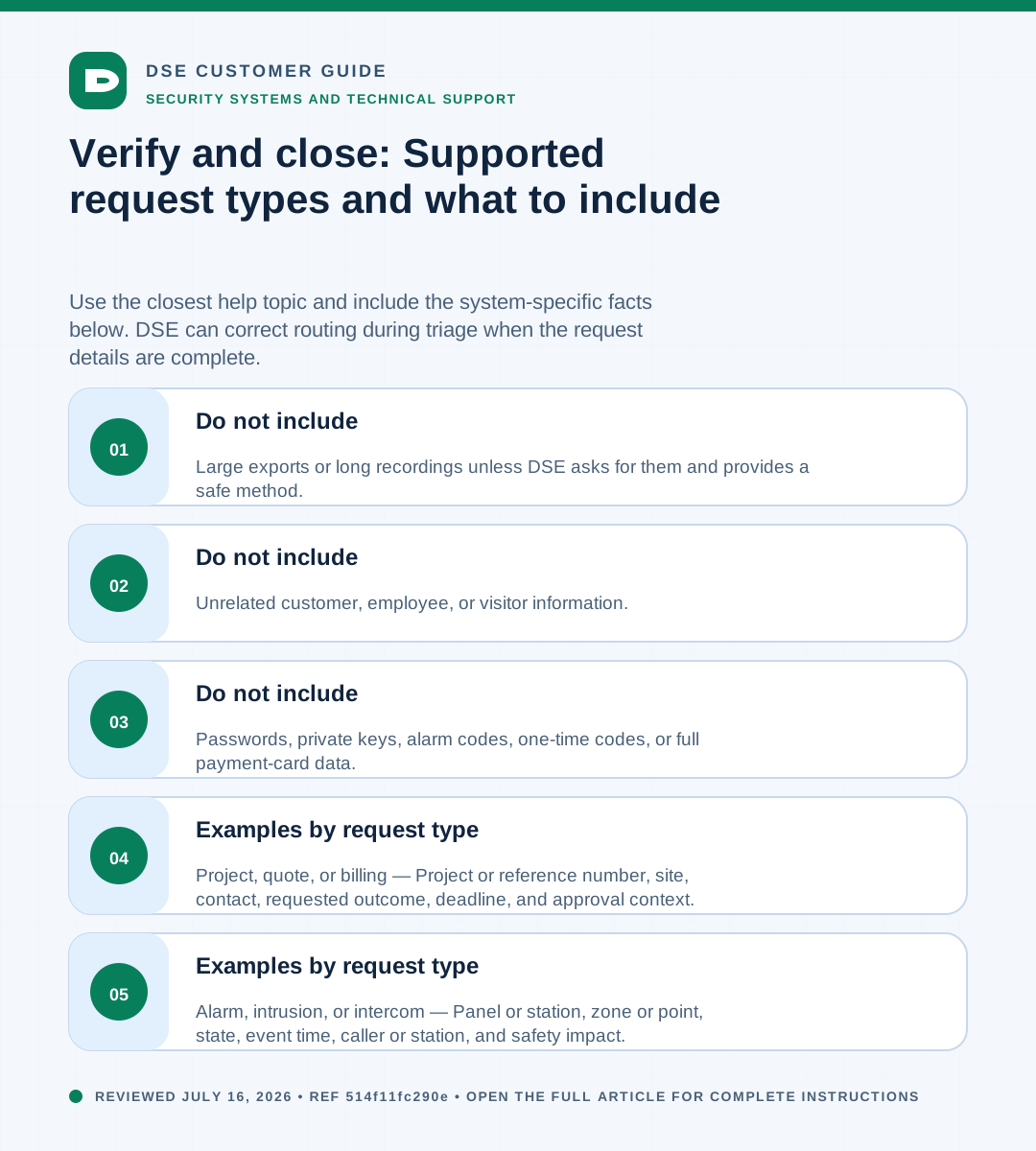
| Alarm, intrusion, or intercom | Panel or station, zone or point, state, event time, caller or station, and safety impact. |
| Project, quote, or billing | Project or reference number, site, contact, requested outcome, deadline, and approval context. |
03Do not include
- Passwords, private keys, alarm codes, one-time codes, or full payment-card data.
- Unrelated customer, employee, or visitor information.
- Large exports or long recordings unless DSE asks for them and provides a safe method.
Need a person?
Contact DSE Support →
Open a service request with the details you have.
Include the site, affected device or user, exact error, when it started, urgency, and screenshots when available.