
Camera and video issue checklist
Summary: Collect camera, location, client, time, and symptom details without changing recording or security settings unless DSE authorizes the change.
AudienceDSE customers and authorized contacts
Procedure3 guided sections
Checklist13 specific actions
ReviewedJuly 16, 2026
Visual walkthrough4 visual references for this procedure
01Identify the symptom
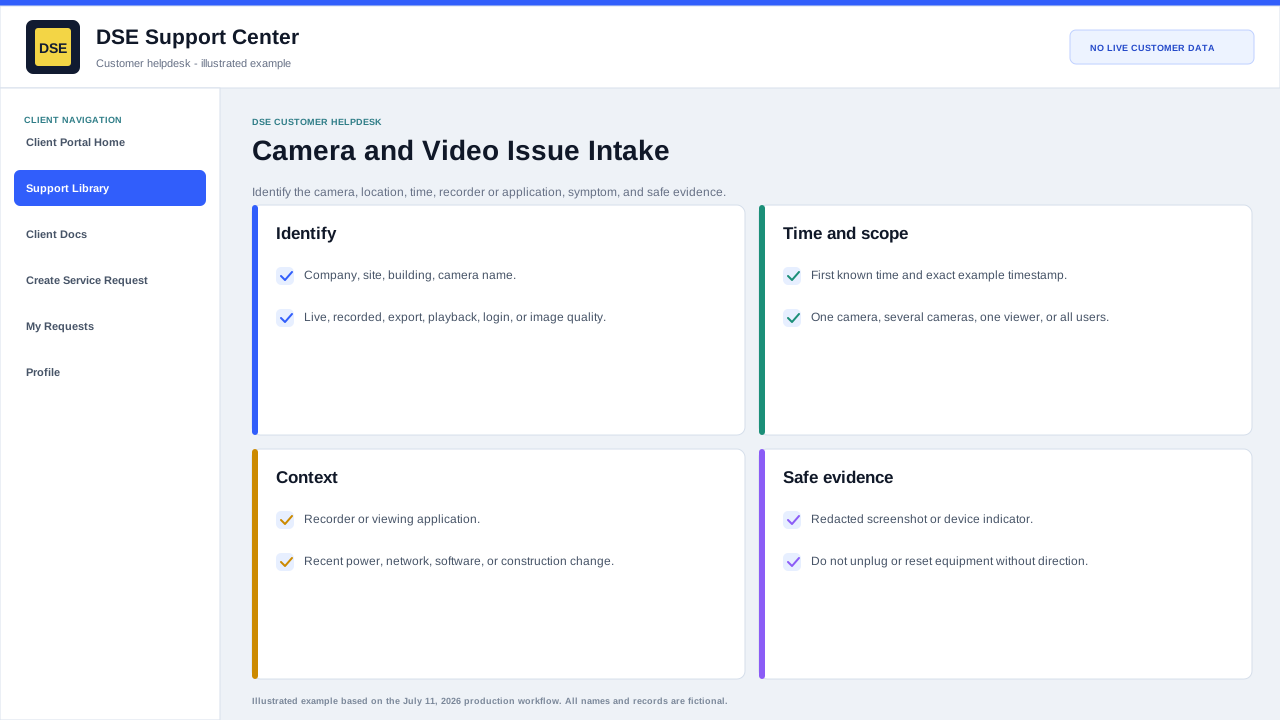
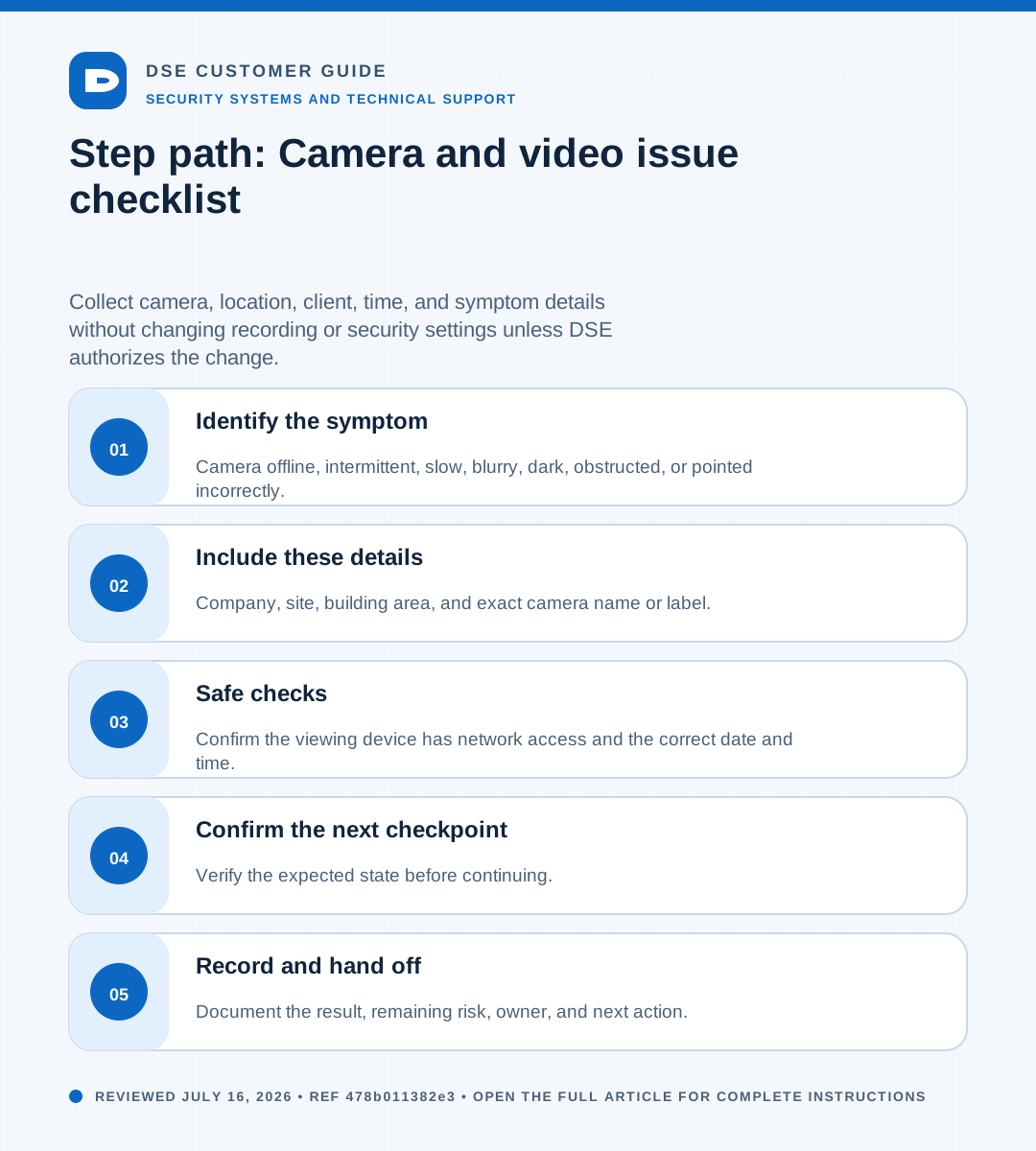
- Camera offline, intermittent, slow, blurry, dark, obstructed, or pointed incorrectly.
- Live video works but recorded playback is missing, delayed, or unavailable.
- Only one workstation or viewing client is affected, or all users see the same problem.
- Timestamp, retention, export, analytics, or event-search results appear incorrect.
02Include these details
- Company, site, building area, and exact camera name or label.
- Viewing application and workstation or device used to test.
- Whether live view, playback, export, or all video functions are affected.
- One or more example event times with time zone.
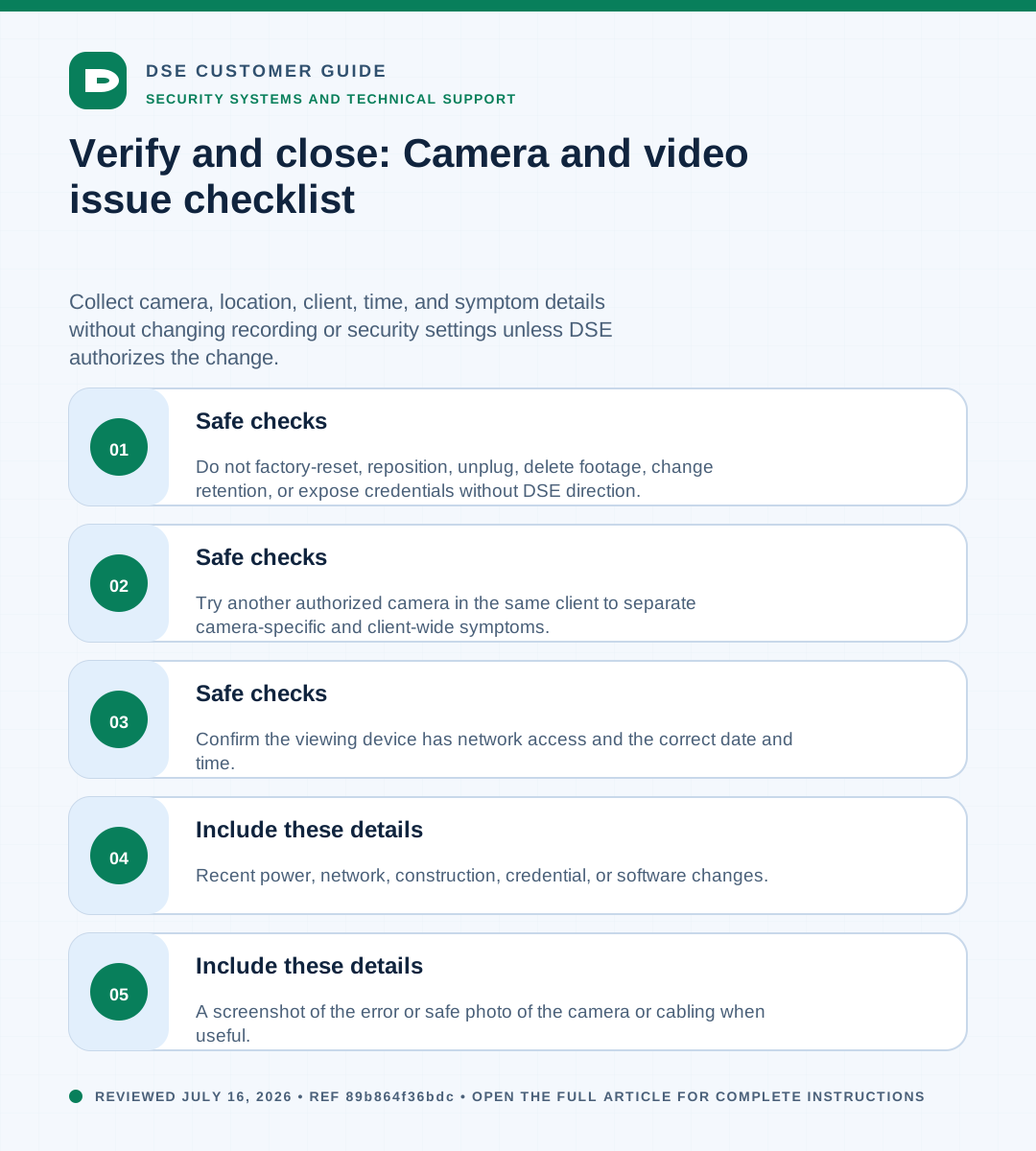
- A screenshot of the error or safe photo of the camera or cabling when useful.
- Recent power, network, construction, credential, or software changes.
03Safe checks
- Confirm the viewing device has network access and the correct date and time.
- Try another authorized camera in the same client to separate camera-specific and client-wide symptoms.
- Do not factory-reset, reposition, unplug, delete footage, change retention, or expose credentials without DSE direction.
Need a person?
Contact DSE Support →
Open a service request with the details you have.
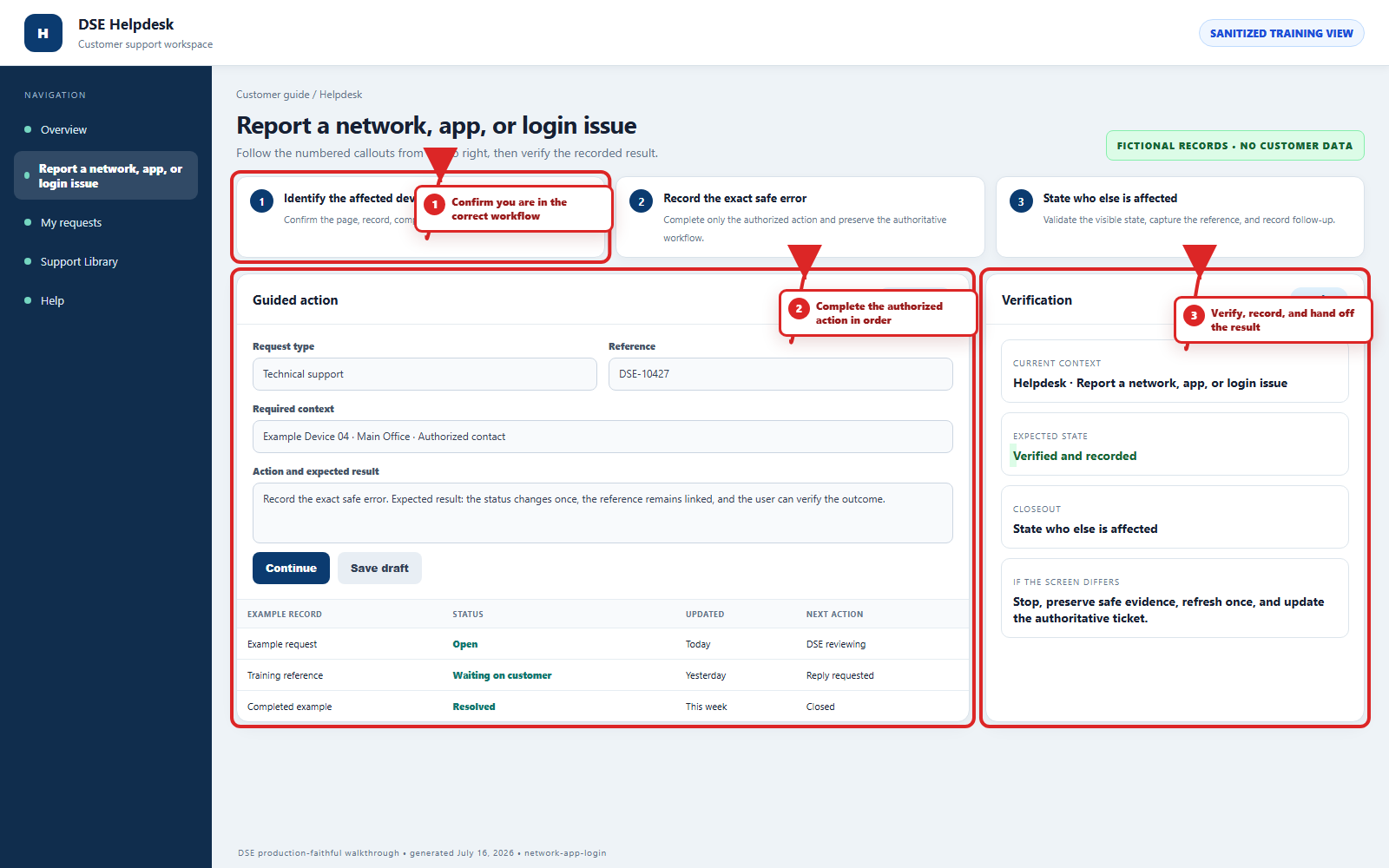
Include the site, affected device or user, exact error, when it started, urgency, and screenshots when available.